
Latest Version
23rd
Communication
Linux
Free
io.github.forkgram.tdesktop
Report a Problem
More About Forkgram
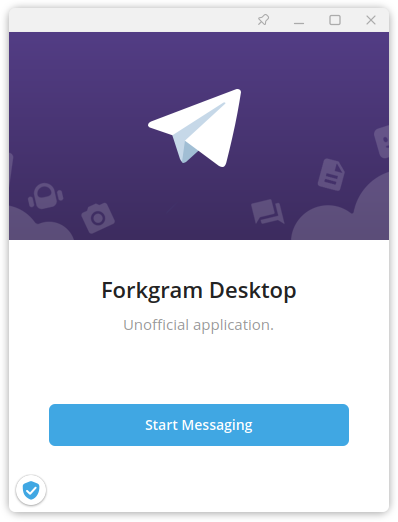
While the official Telegram Desktop application is incredibly robust, power users often find themselves wishing for small, quality-of-life adjustments that streamline their daily communication. Enter Forkgram, a specialized Linux messaging client developed by 23rd that modifies the open-source Telegram code to deliver a more efficient and customizable user experience.
What Makes This Linux Messaging Client Different?
Rather than completely reinventing the wheel, this communication software focuses on rapid feature deployment and subtle UI enhancements that collectively transform your desktop messaging workflow. It retains full compatibility with the secure Telegram network while giving you greater control over how you view, manage, and interact with your chats.
Key Features of the Forkgram Linux Messaging Client
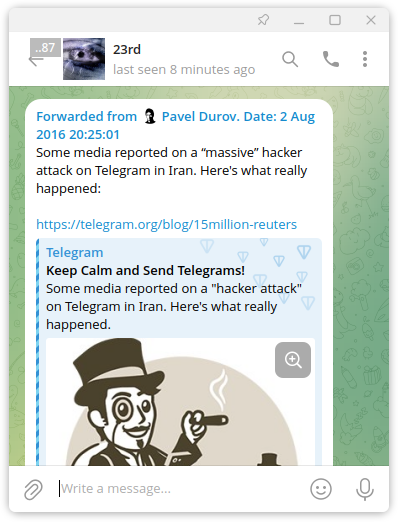
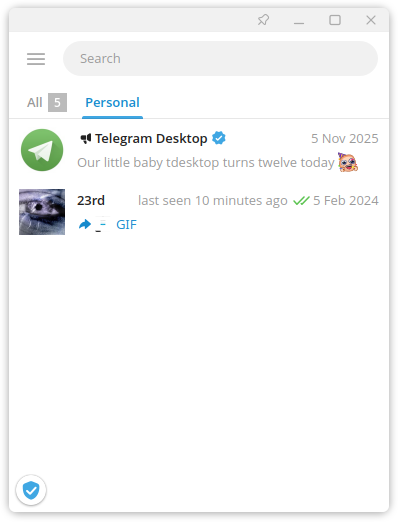
- Refined User Interface: Enjoy aesthetic and functional tweaks such as square contact avatars, a square tray icon, and the highly requested ability to view a user's last seen status directly within your main dialog list without opening the chat.
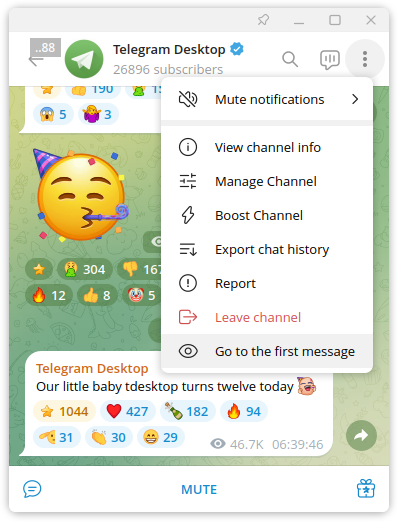
- Enhanced Navigation Shortcuts: Navigate busy channels and active group chats with ease. A dedicated button allows you to jump instantly to the first unread message in any conversation. Additionally, an "Always on top" window toggle keeps important chat windows visible above other applications.
- Advanced Media Management: Correcting mistakes in sent media is now seamless. You can swap out individual images in albums you have already dispatched, or consolidate multiple loose photos into a single, clean album post without needing to re-upload them.
Who is This Custom Desktop Client For?
If you are a Linux power user who relies heavily on Telegram for professional or community coordination, this tool is designed for you. It bridges the gap between official simplicity and the advanced control demanded by heavy chat users. By choosing this client, you gain access to a faster release cycle for experimental features that have yet to make it to the mainstream application.
Our Editorial Verdict
For Linux users seeking a more precise, feature-dense communication portal, this software is a highly practical choice. It respects the core foundations of the original platform while delivering the exact layout and media tools that power users frequently request. To try it out for yourself, head over to the official Flathub store page to explore the application and integrate it into your Linux setup.
Rate the App
User Reviews













Popular Apps










Editor's Choice